
1. Log in at https://www.electronicsu.org and click My Electronics U to access the dashboard.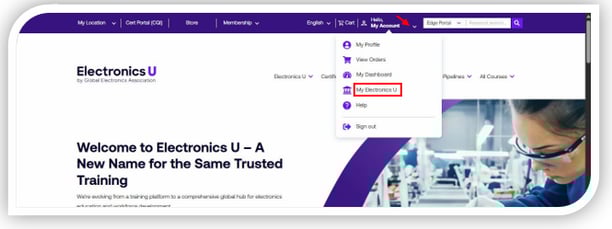
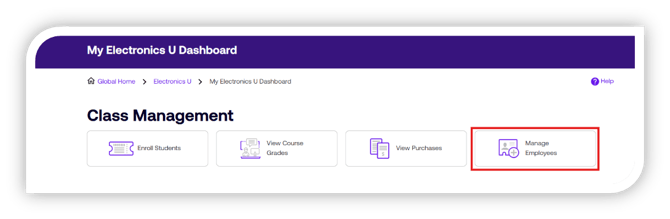
2. Under the Class Management header, click Manage Employees.
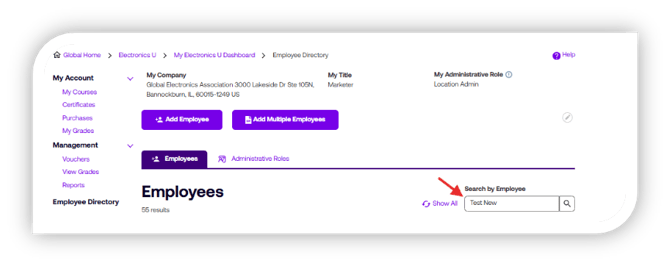
3. Enter the full name of the Employee in the "Search by Employee" field.
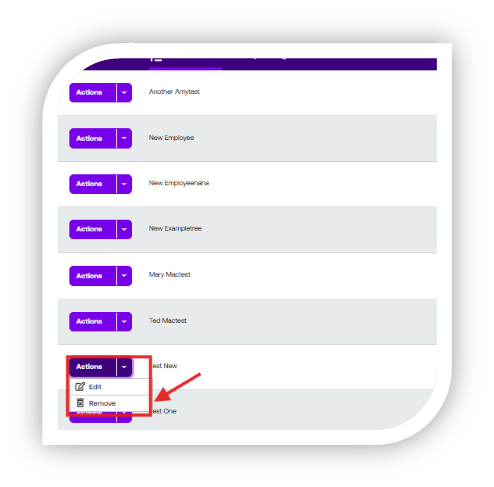
4. Select the Actions button then select "Remove".
 5. Confirm you want to remove the employee from your Company Directory by selecting Remove Employee button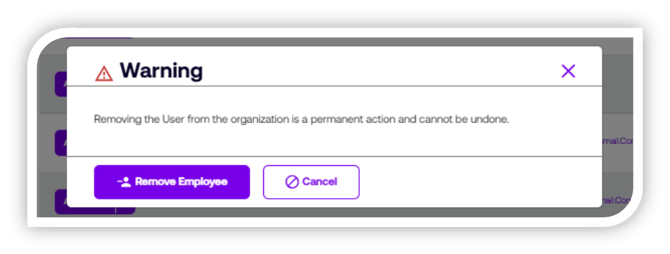
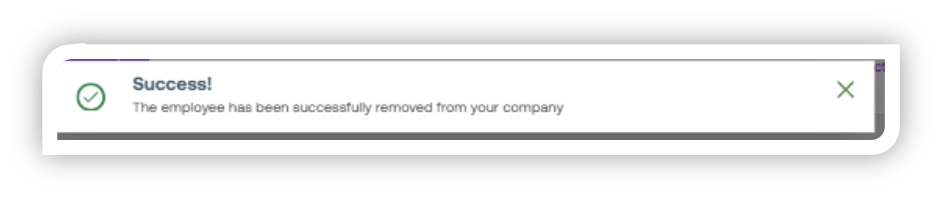
If you need additional help, please contact us at support@electronicsu.org.