Instructions
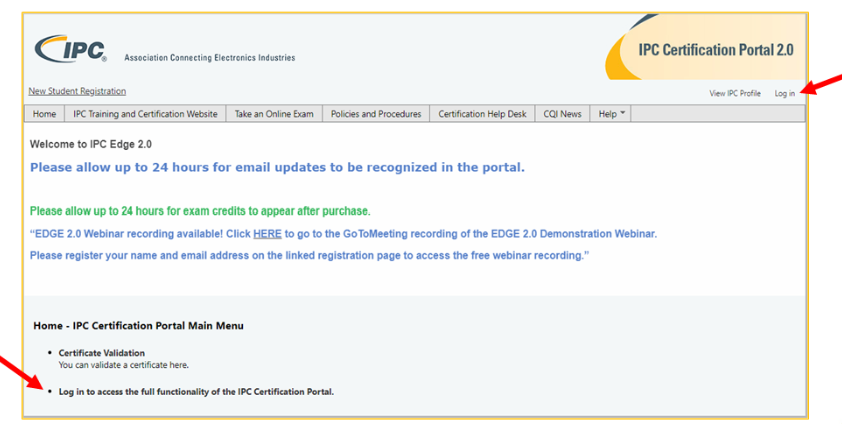
1. Sign in to the Edge 2.0 Certification Portal (certification.ipcedge.org)
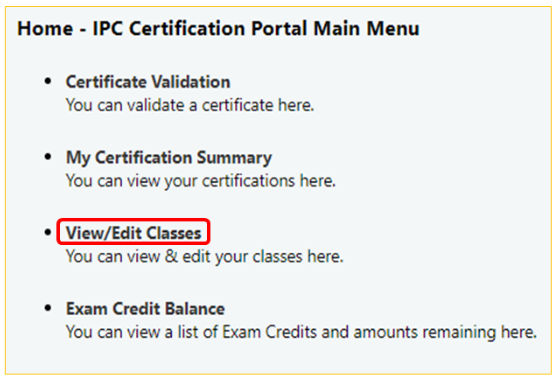
2. Select View/Edit Class
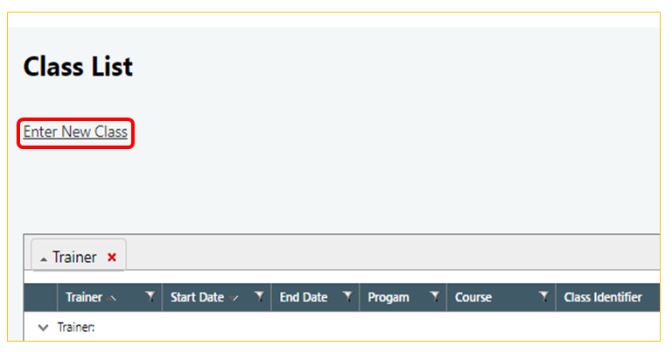
3. Select Enter a new class
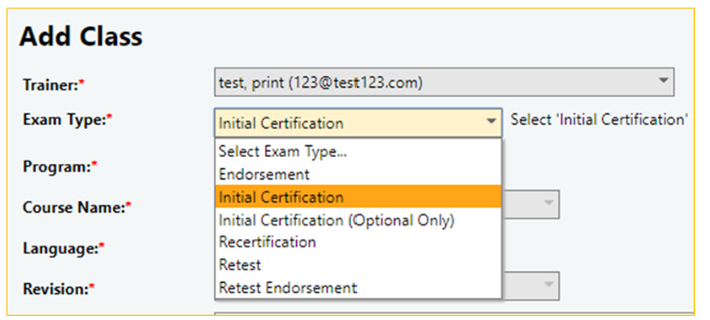
4. Select the appropriate billing category for the "Exam Type" field.
-
Endorsement – Student wishes to add an endorsement to an existing CSE certification
-
Initial Certification – The student is beginning a new certification
-
Initial Certification (optional only) – Student completed mandatory exams and wishes to add optional modules with a new instructor
-
Recertification – Students have previously completed IPC Certification and wish to renew that certification (Note: This category currently only provides a discount for the CSE program. CIS and CIT programs are priced the same in this category and the Initial Certification category.)
-
Retake – Student failed exam twice and requires additional attempts
-
Retest Endorsement – CSE student has failed an endorsement exam twice and requires additional attempts
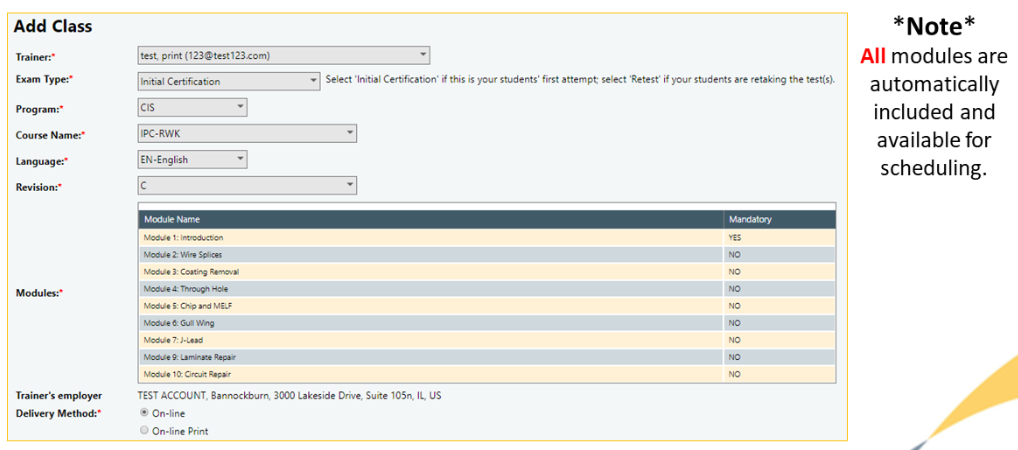
5. Enter the remaining class information on the page (i.e. course, language, modules, exam date)
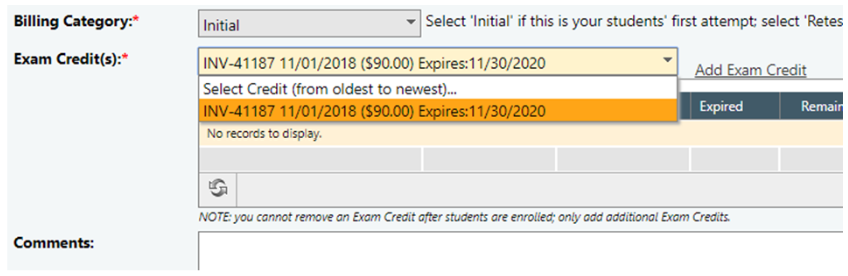
6. Select your invoice from the invoice drop-down box
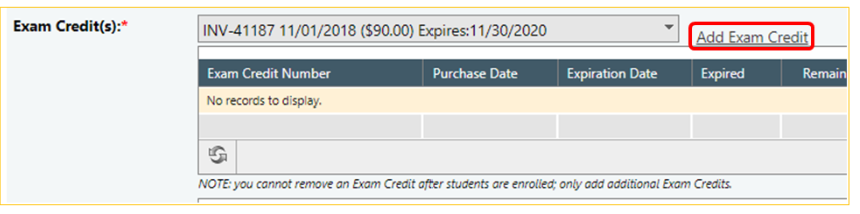
7. Click Add Exam Credit
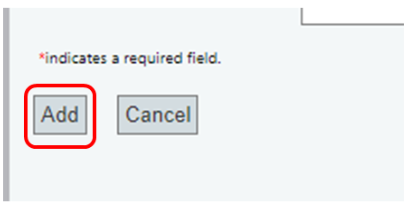
8. Click Add