There are two ways to do this:
1. Navigate to certification.ipcedge.org and select the "Certification Validation" option from the main menu. Fill in all required fields and click 'Search'. 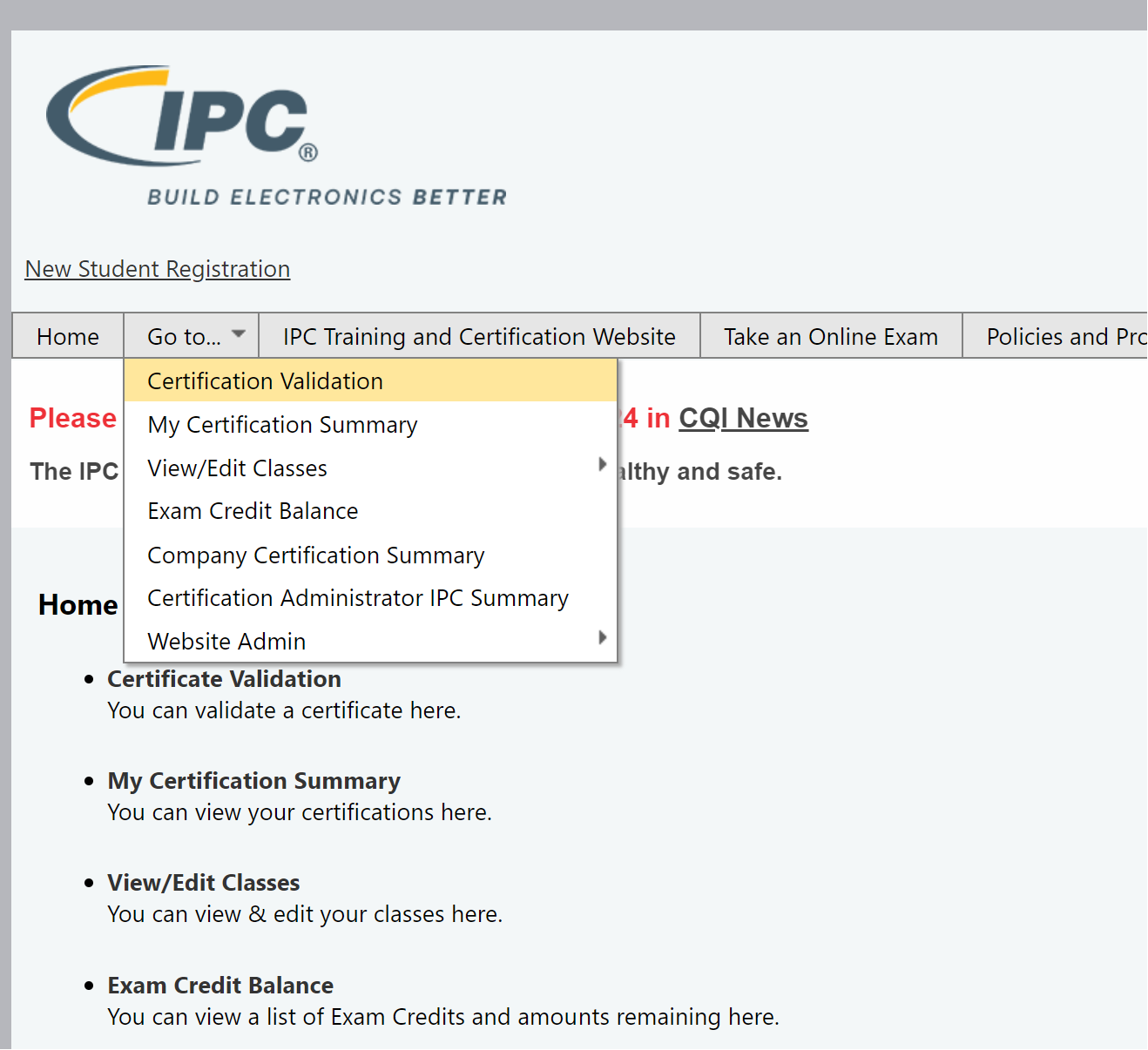
2. Navigate to my.ipcedge.org, scroll to the bottom of the page, and enter the serial number into the box marked "Verify Certification." The validation can be printed if needed. 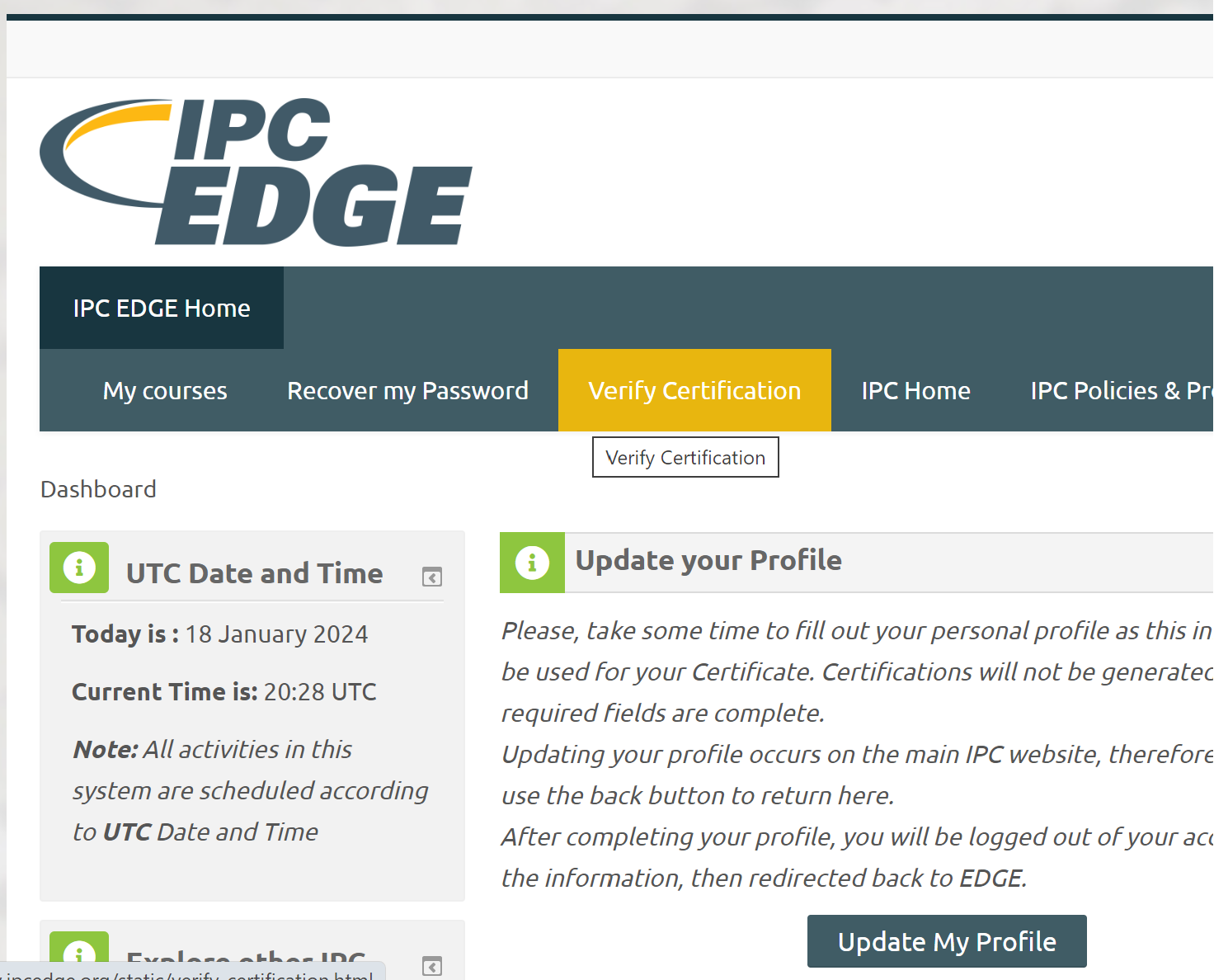
-
Log in to certification.ipcedge.org
-
Click on My Certification Summary
-
Copy the serial number for the correct certification
-
Log into the Edge portal, my.ipcedge.org
-
Paste the serial number into the Verify Certification tab
-
Click on Verify
-
Navigate to the upper right side of the page to get a Printer-Friendly Page